Everything included
Eight parts, one set of data.
Core runs the floor. Pro adds quoting, costing, quality and customer links. Items marked Pro inside a Core part need the Pro plan. Compare plans →
01Pro
Quotes & costing
Price parts the same way every time, then check the price against what the job really cost.
- Setup, run time, material, scrap, overhead and outside processing per line
- Start a quote from customer PDF drawings
- Quantity breaks and revisions
- Customer approves the quote from a link
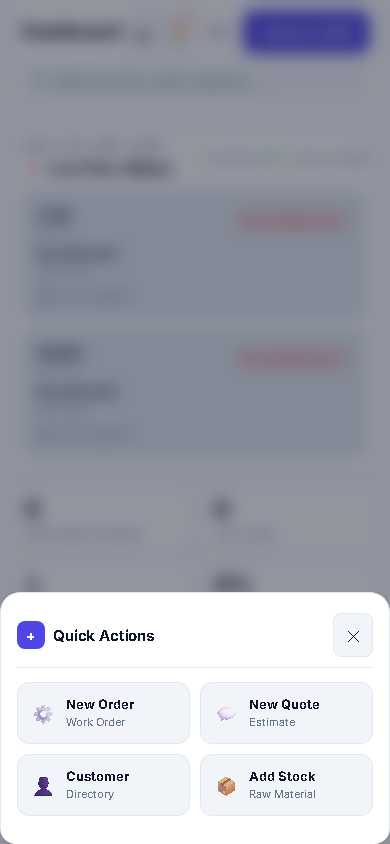
- Accepted quote becomes a work order in one click
- Planned vs actual cost and profit per job
- Parts library with today’s price, first-run price and last sold price
02Core
Work orders & schedule
Routings per work center and a schedule you can move with the mouse.
- Operations per machine group with setup and run time
- Gantt and board views, drag to reschedule
- Late and due-this-week jobs flagged
- Load per work center for the coming weeks
- Printable travelers with the operation list
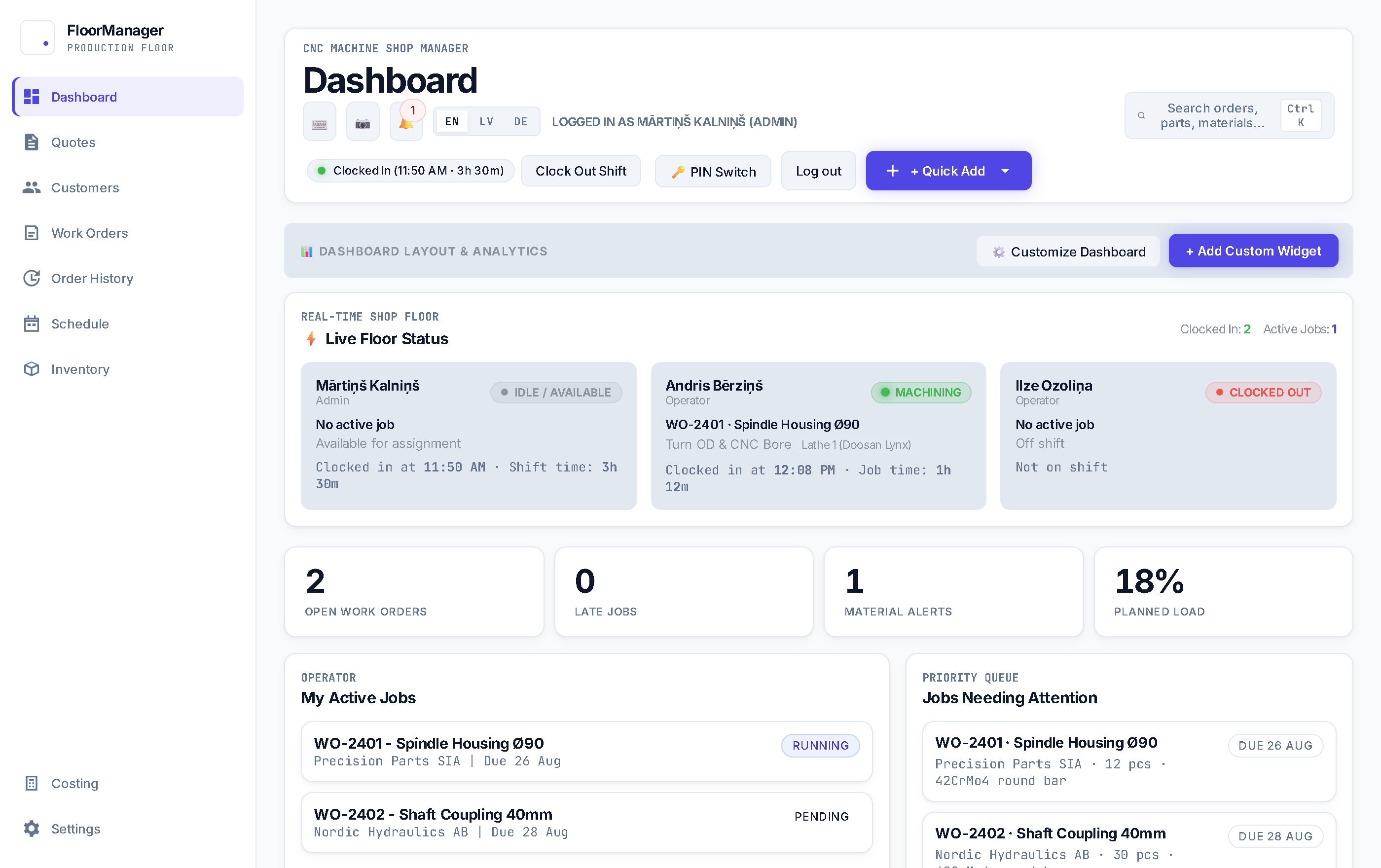
- Shop TV screen with the live job board
03Core
Material & sawing
Know how much bar a job needs before it reaches the saw.
- Parts per bar with saw kerf
- Material reserved per job, including scrap allowance
- Saw step done before machining can start
- Remnants go back into stock
- Type-ahead material search, even in a catalogue of thousands
04Core
Inventory & purchasing
Stock, what is short, and the purchase orders that fix it.
- Materials by category with stock, reserved and demand
- Reorder points and low-stock warnings
- Purchase orders from shortages, receive against them
- Price breaks by quantity bought
- Finished-part stock and shipment log
- Outside processing (anodising, plating) as subcontract POs Pro
05Pro
Quality & compliance
Certificates, inspections and non-conformances live on the work order.
- Heat-number and lot traceability
- EN 10204 3.1 certificates with quarantine and release
- Inspection sheets and AS9102 first article reports
- Non-conformances with 8D and corrective actions
- Certificate of conformity generator
- Measuring tool calibration and machine maintenance logs
- Drawing revision lock
06Core
Shop-floor terminal
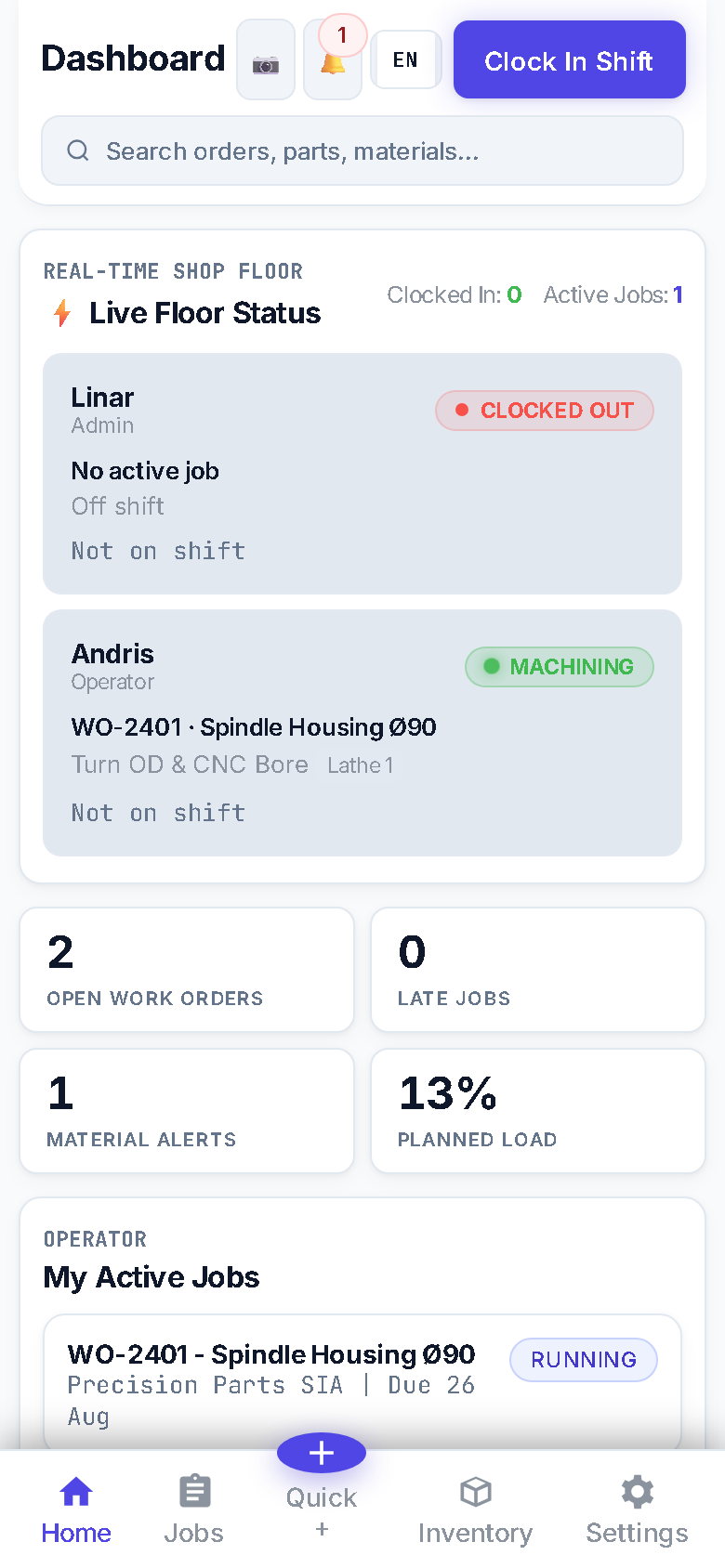
A tablet or phone at the machine. Operators sign in with a PIN.
- Start and stop setup and run with one tap
- Good and scrap parts, with a scrap reason
- Current drawing for the operation
- Shared tablet: the next operator switches with their PIN
- Clock in and out, attendance and timesheets
- Barcode scanning Pro
- Keeps working offline and syncs later Pro
07Core
Customers & orders
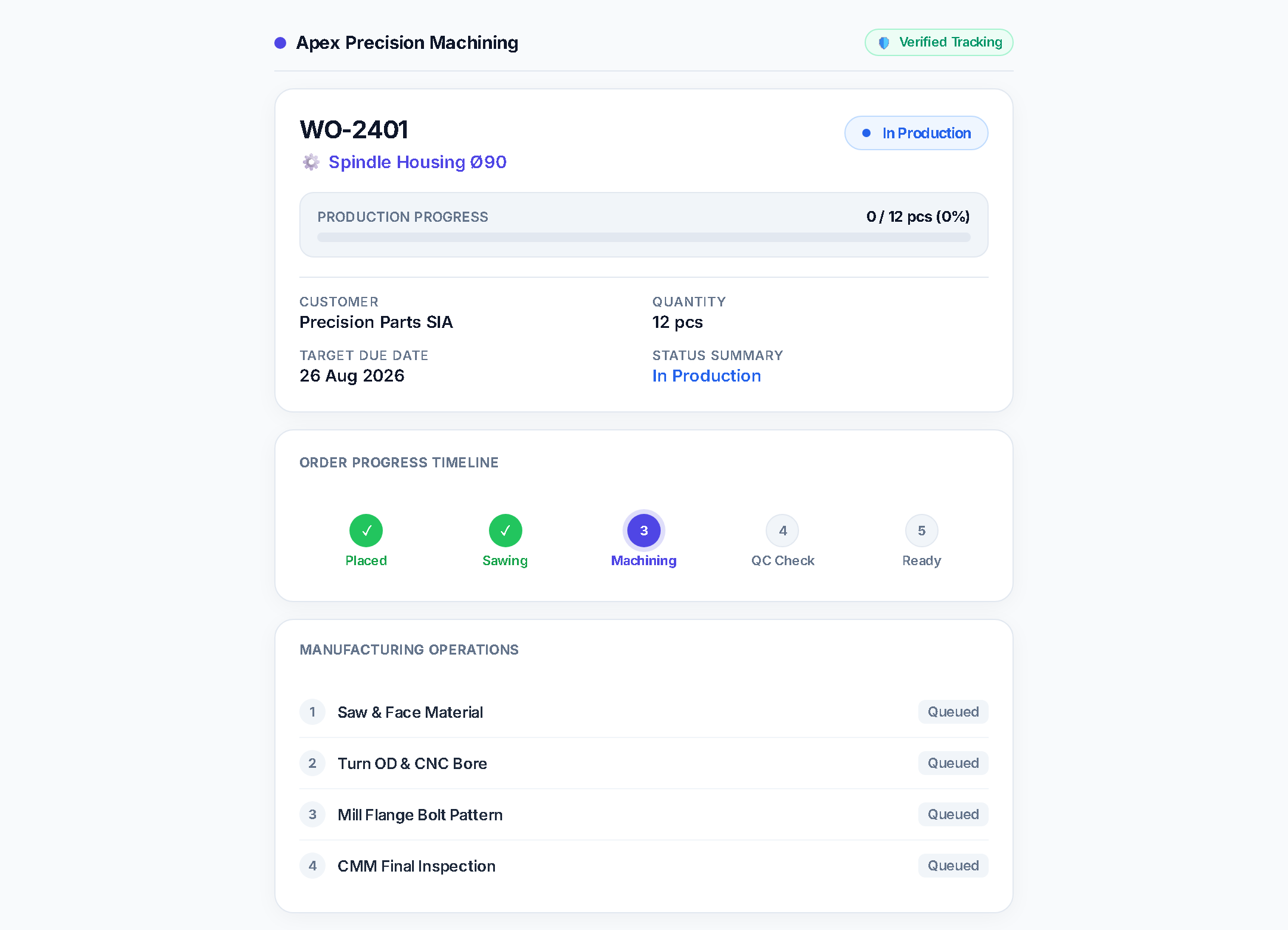
Customer records and orders, and fewer “where is my order?” calls.
- Customer directory and customer orders
- Status link the customer opens to follow their order Pro
- Quote approval link Pro
- Job P&L and OEE per work center Pro
08Core
Running the system
Set it up once and use it from any browser.
- Runs in the browser; install it as an app on tablets and phones
- English, Latvian and German
- Roles for office, planners and operators
- Light and dark (shift) themes
- API for your own tools Pro